04·iii · GentleSquid · AndroidBack to the work

No ads · No tracking · No account · Pay once

Mock your location, keep your privacy.

GentleSquid is a mock location app and GPS route simulator for Android. It sets your phone's reported GPS position to any spot you choose, using Android's built-in mock location feature. Drop a pin, replay a route or a GPX track, or steer live with a joystick.

Built for people who test location features, and for people who don't want every app knowing where they are.

Get it on Google Play, $4.99↗Android 8.0+ · No root
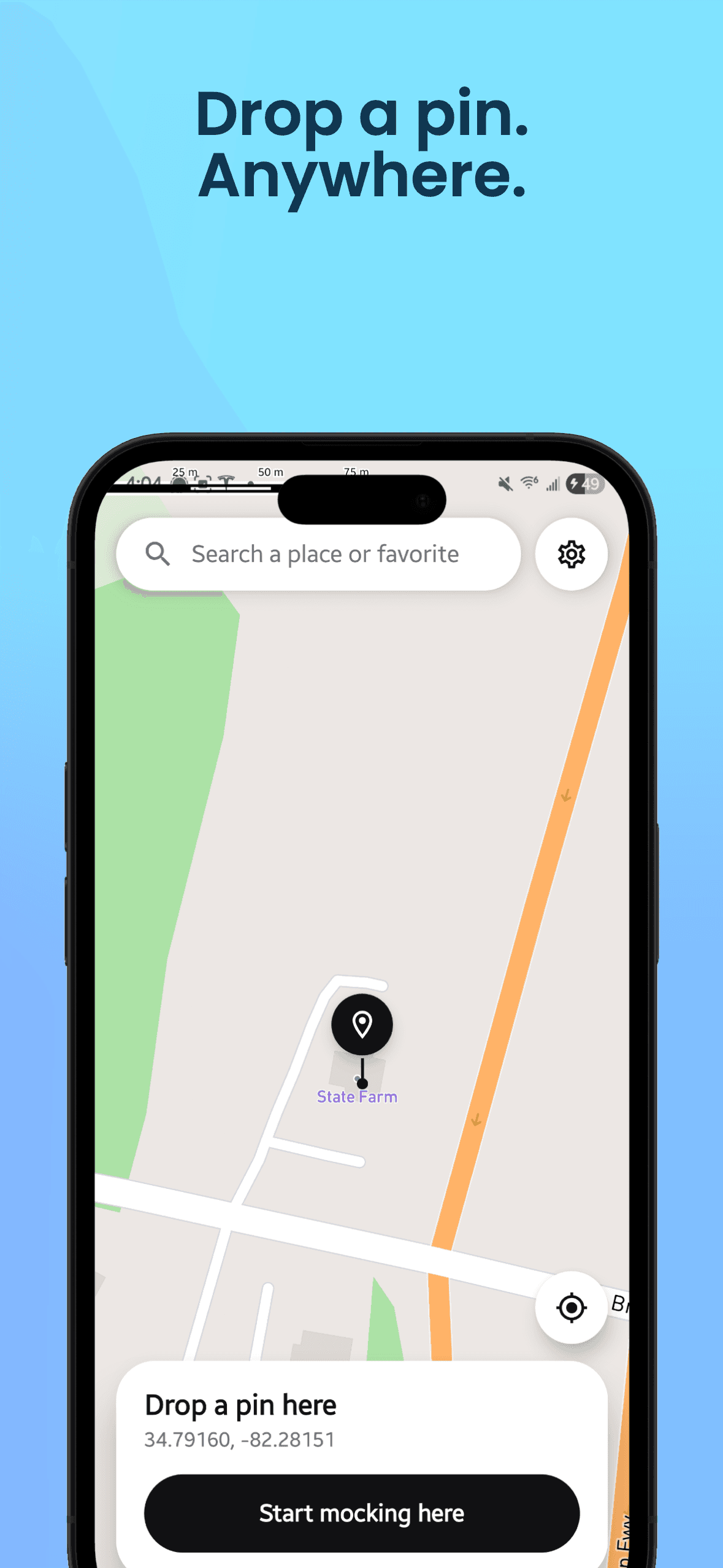
Map with a dropped pin and a Start mocking here button
I

More than a pin on a map

  • Drop a pin anywhere

    Tap the map or search a place, then start mocking with one tap. Save favorites to jump back later.

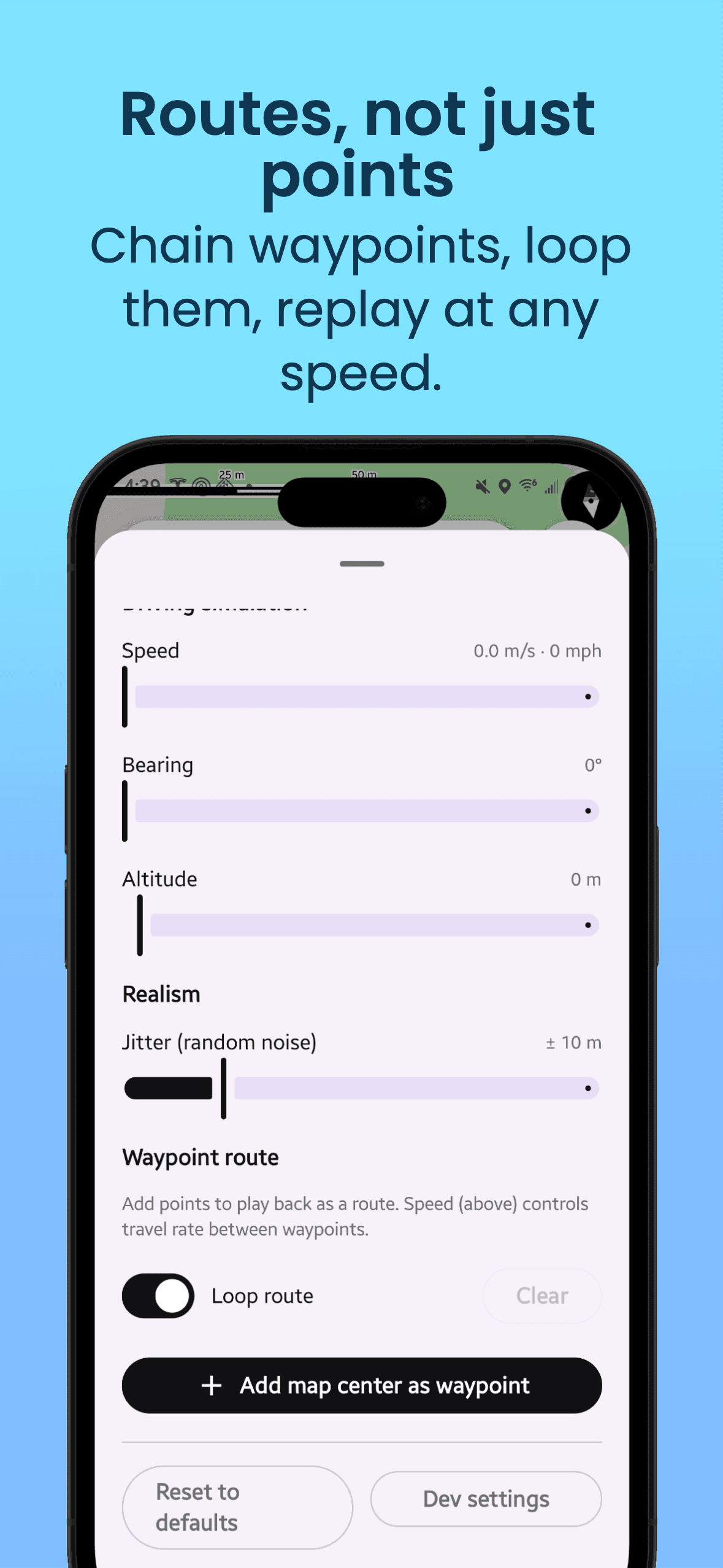
  • Routes, not just points

    Chain waypoints, snap them to roads, loop them, and play them back at walking, cycling, driving or a custom speed.

  • Joystick steering

    Steer your location live with an on-screen joystick while the map pin follows along.

  • GPX import and export

    Replay tracks recorded by fitness apps or GPS loggers, or export your own routes as GPX files.

  • Saved scenarios

    Save a whole trip (route, movement mode, looping) and replay it any time with one tap.

  • Realistic GPS noise

    Position drifts smoothly and reported accuracy varies, like a real receiver. No jumpy white noise.

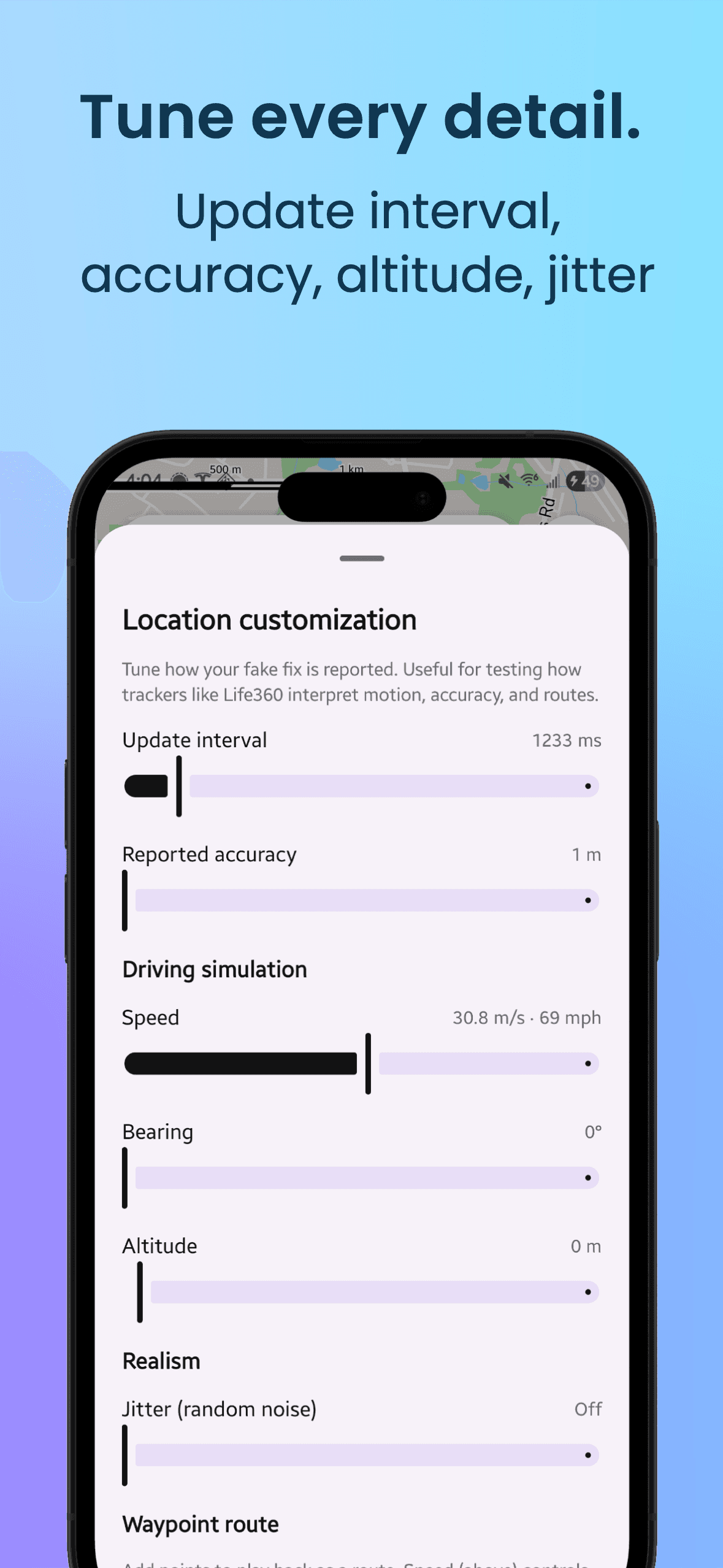
  • Tune every detail

    Update interval, reported accuracy, speed, bearing, altitude and jitter, all adjustable.

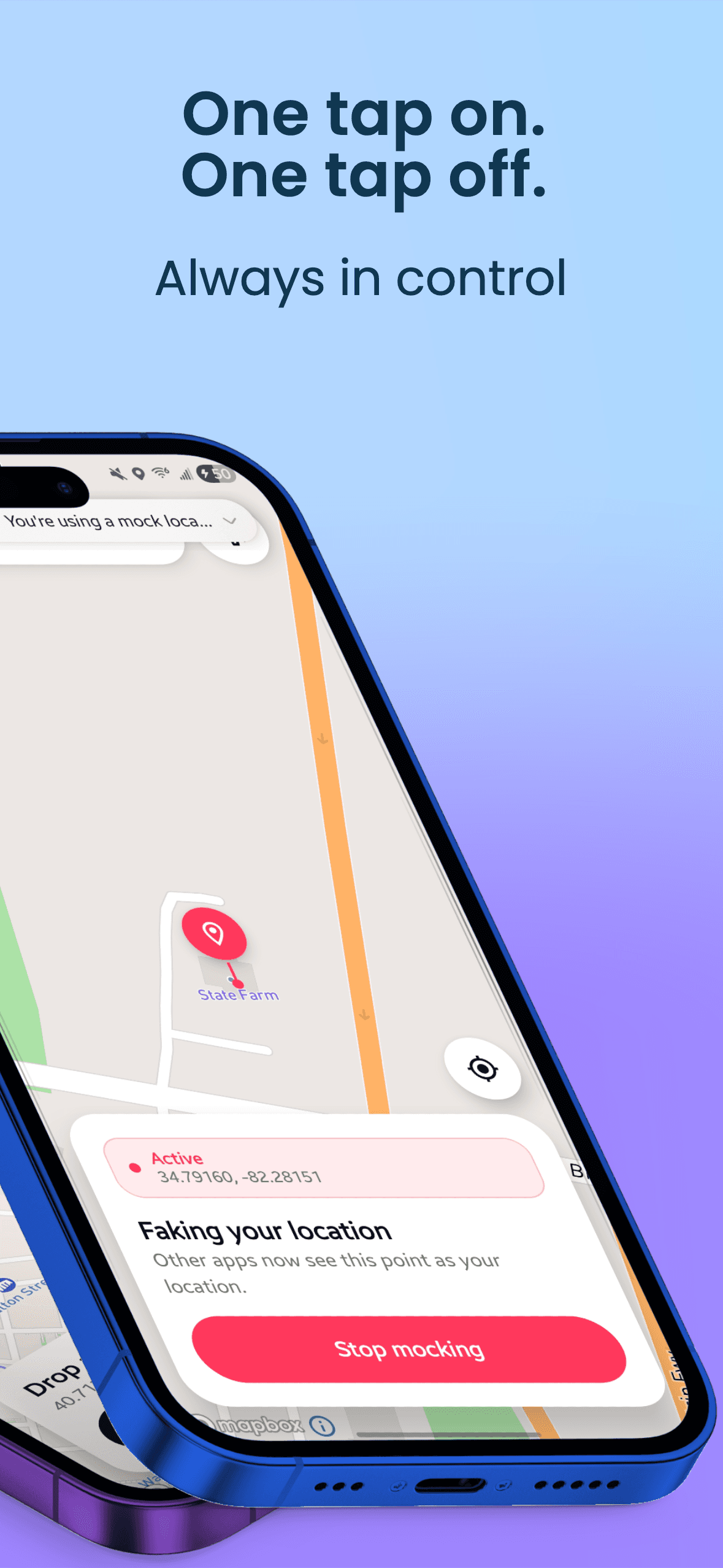
  • One tap on, one tap off

    Start and stop from the app or the notification. You always know when mocking is active.

II

A focused tool

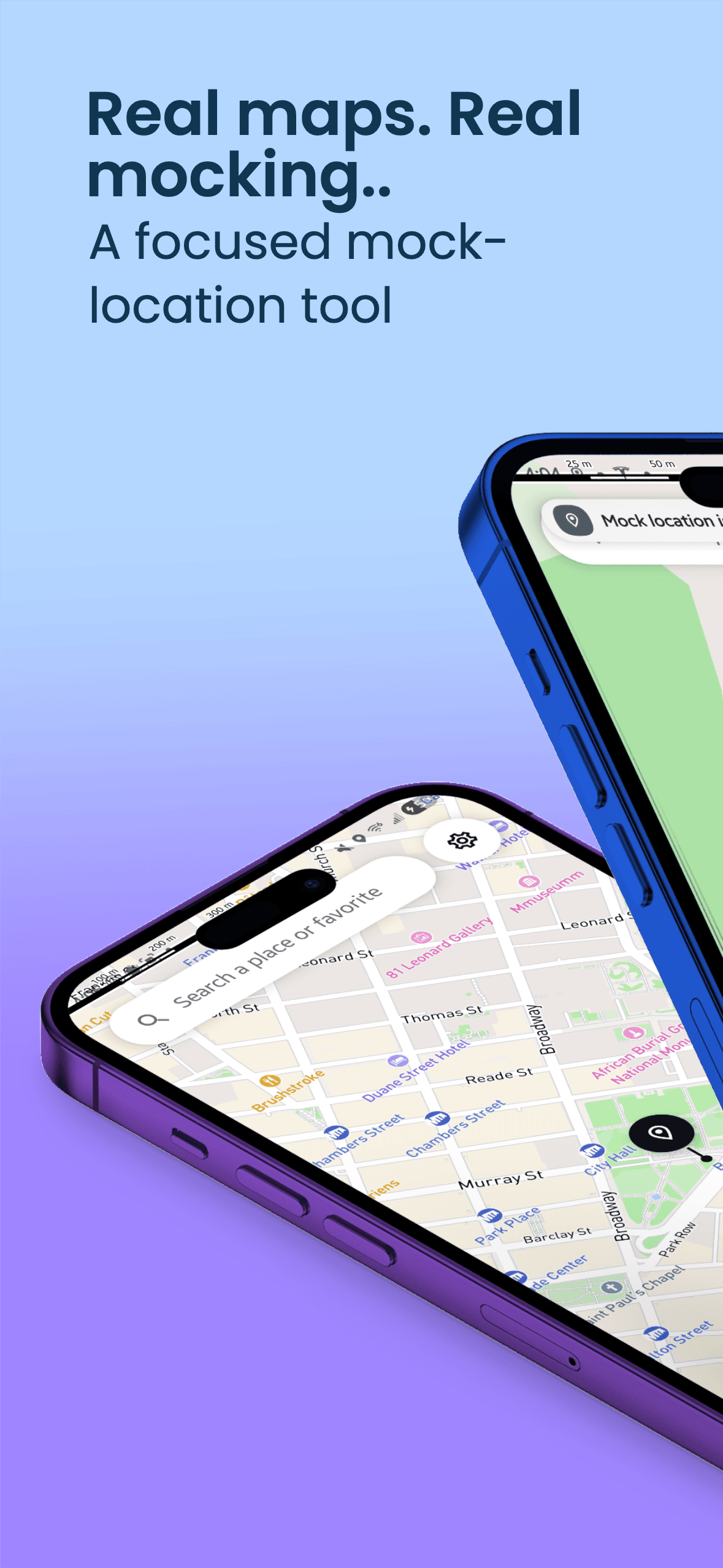
  • Map with a dropped pin and a Start mocking here button
  • Waypoint route settings with speed, bearing, altitude, jitter and loop controls
  • Location customization: update interval, reported accuracy and driving simulation
  • Active mock location card with a Stop mocking button
  • Full-screen city map with place search
III

Two kinds of people

Developers and testers

Test geofences, delivery and ride tracking, fitness apps and region-specific behavior without leaving your desk.

  • Replay real GPX tracks at controlled speeds
  • Realistic drift and fluctuating accuracy to catch edge cases
  • Tune update interval, accuracy, bearing and altitude
  • Save test scenarios and rerun them with one tap

Guide: testing location features on a real Android device

Privacy-minded people

Weather, food, shopping and social apps ask for your location constantly, and most don't need it. Give them a location you choose.

  • Stop apps logging your real movements
  • Point travel and weather apps at another city
  • No analytics, ads or account in GentleSquid itself
  • Favorites and routes stay on your phone

Guide: keeping your real location private on Android

IV

What leaves your phone

A privacy tool should be clear about its own network traffic. This is the full list, and all of it goes to Mapbox, which provides the map.

  • Map tilesTo draw the map. Includes your IP address and the area you're viewing, like any map app.
  • Place searchOnly the text you type in the search box, to find matching places.
  • Route waypointsOnly when you snap a route to roads, so it follows real streets.

Never sent anywhere:

  • Your real GPS location
  • Analytics or usage stats (Mapbox telemetry is switched off)
  • Ads or ad identifiers
  • An account, email or sign-in
  • Your favorites, routes and scenarios

Read the privacy notice

V

About a minute

  1. 01Install and allow location. Install GentleSquid from Google Play and allow location access so the map can center on you.
  2. 02Turn on Developer Options. Open Settings, then About phone, and tap Build number seven times. Android confirms that Developer Options are on.
  3. 03Pick GentleSquid as the mock location app. In Settings, System, Developer options, tap Select mock location app and choose GentleSquid. The app walks you through this on first launch.

Setup help and troubleshooting

VI

One price, no upsells

$4.99

One-time purchase on Google Play · local pricing may vary

GentleSquid is built and maintained by one person. The price covers the Play developer account, the Mapbox map bill and ongoing updates, which is why the app never needs ads or your data. No subscription, no in-app purchases.

Does GentleSquid need root?+

No. It uses Android's built-in mock location feature, the same one the Android SDK provides for testing. You only need to turn on Developer Options and select GentleSquid as the mock location app.

Does it track me or show ads?+

No. There are no ads, no analytics, no account and no in-app purchases. Mapbox telemetry is switched off in the app. Favorites, routes and settings stay on your phone.

What does get sent over the network?+

Only requests needed to show the map: map tiles, the text you type into place search, and route waypoints when you snap a route to roads. These go to Mapbox, which provides the map. Your real location is never sent.

Can I replay a route I recorded?+

Yes. Import a GPX track from a fitness app or GPS logger and replay it at walking, cycling, driving or a custom speed, looped if you like. You can export your own routes as GPX too.

Will it work with every app?+

Most apps accept the mock location. Some apps, such as banking apps and many games, detect mock locations and may refuse to work while it is on. Don't use GentleSquid to break another app's terms of service.

What if it isn't right for me?+

You can request a refund through Google Play shortly after buying. Google Play's refund policy covers the details, and you can always email the developer.

com.gentlesquid.app · v1.3.2
GentleSquid: Mock Location and GPS Route Simulator for Android